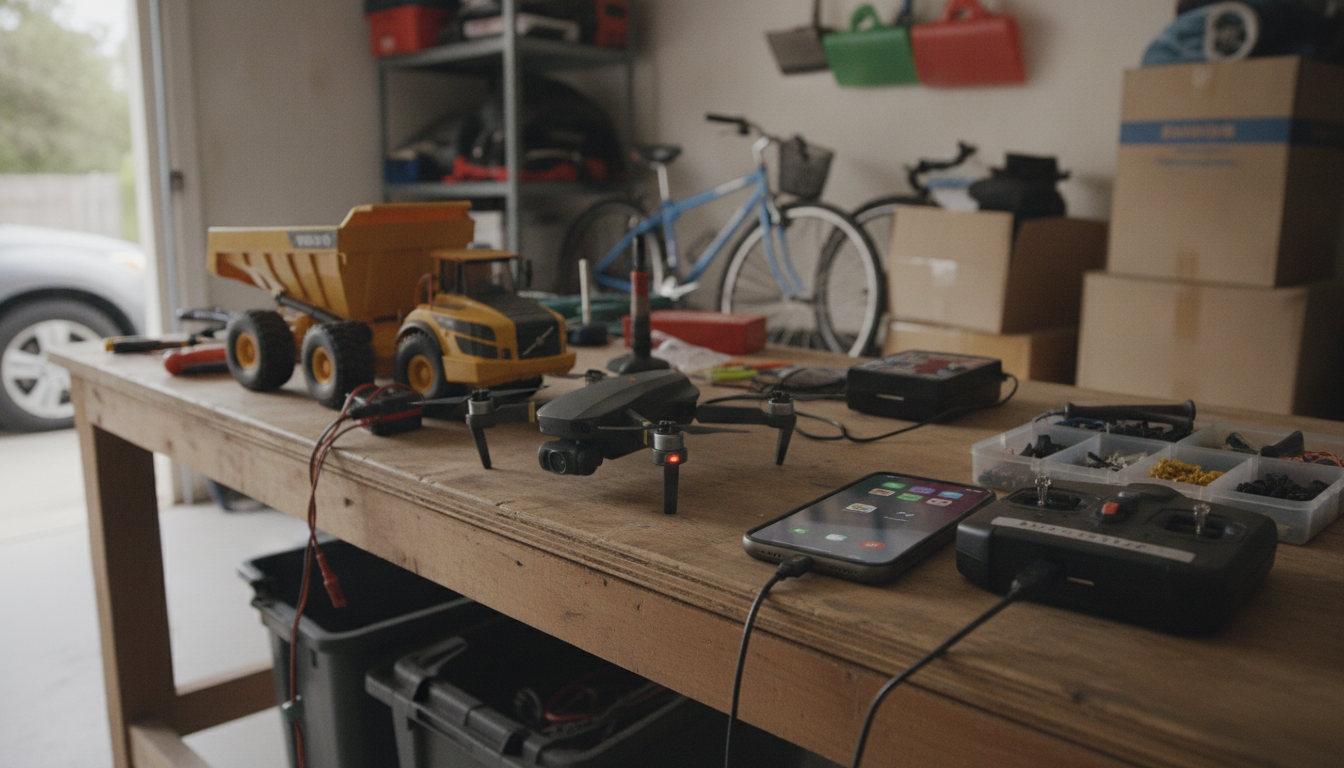
Yes—there are truly free remote control apps, but “free” usually comes with boundaries. Many reputable apps cost $0 to download and use for basic remote access, especially for personal use, while charging for advanced features like unattended access, multi-monitor management, file transfer, or commercial licensing.
A genuinely free remote control app generally lets you connect to another device and control the keyboard/mouse without forcing a paid upgrade. Common free basics include on-demand sessions (someone approves the connection), simple screen sharing, and standard input control. For quick support of a family member’s laptop or accessing your own computer while at home, these no-cost tiers can be enough.
Even when the core remote-control feature is free, you may hit limits such as session time caps, fewer devices, reduced performance settings, or restrictions on unattended access (connecting when nobody is at the remote computer). Some apps are free only for non-business use; using them at work may violate the license even if no payment is required.
Before installing anything, check the app’s pricing page and license terms for “personal use” language, device limits, and whether unattended access is included. Also look for clear security basics like encryption, optional two-factor authentication, and the ability to revoke trusted devices. If an app asks for unnecessary permissions or is vague about data handling, choose another option.
If you only need occasional help sessions, a free on-demand remote support tool is usually the simplest. If you need to regularly connect to your own computer when no one is there, prioritize a free plan that explicitly allows unattended access—or plan for a low-cost upgrade that removes the limitations that matter most.
For a deeper breakdown of what counts as “truly free,” along with practical considerations and options, visit https://elevatdlife.com/is-there-a-truly-free-remote-control-app/.
Remote desktop lets you control the other device (mouse, keyboard, apps), while screen sharing typically only mirrors the display for viewing or presenting. Some apps include both, but they’re not always the same feature.



Leave a comment
You must be logged in to post a comment.