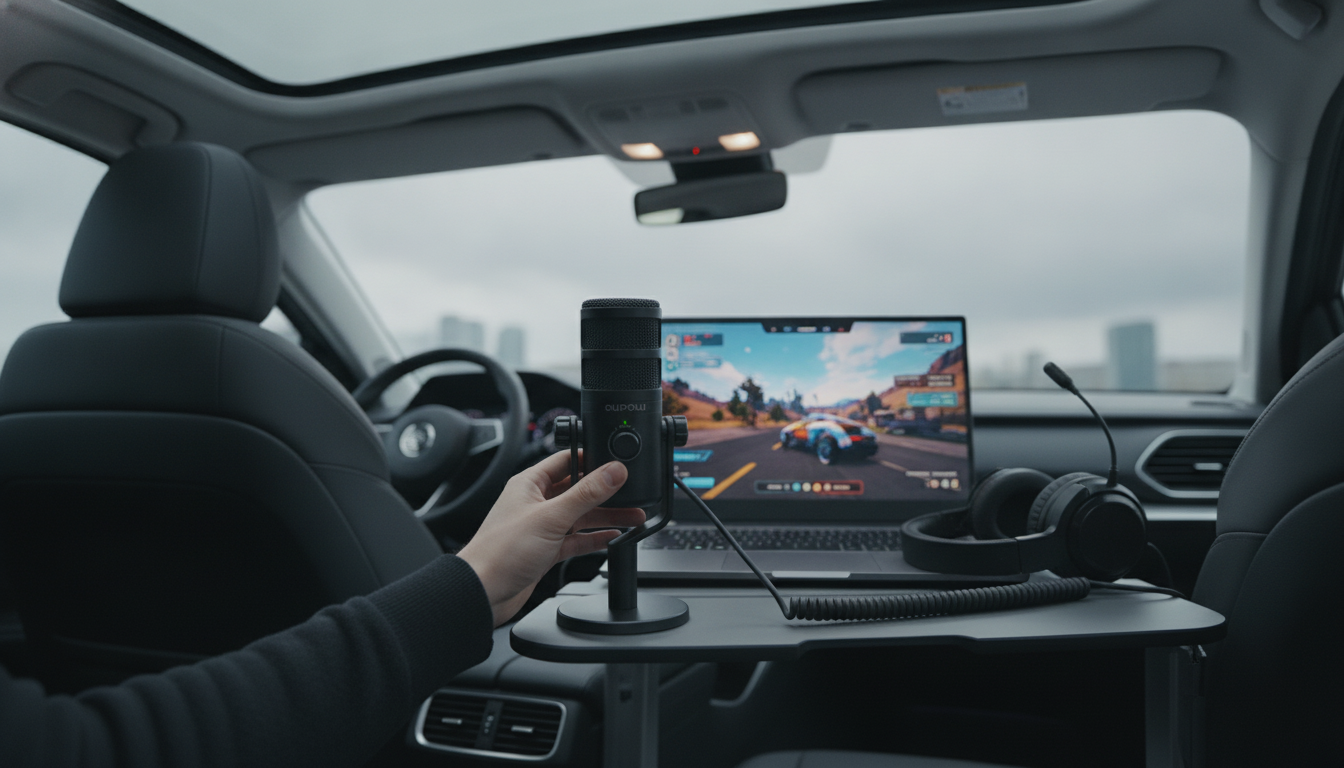
Yes—USB microphones can be very good for gaming, especially for voice chat, streaming, and recording clips without extra audio gear. They’re popular because they connect directly to a PC or console (with the right compatibility), install quickly, and often deliver clearer sound than most headset mics.
A quality USB mic typically offers a fuller, more natural voice tone and better detail than a built-in headset boom. Many models also include useful gaming-friendly features like onboard mute buttons, headphone monitoring, and gain control, letting quick adjustments happen mid-match or mid-stream.
USB microphones can pick up more room noise than a close-to-your-mouth headset mic, especially if the mic is set too loud or positioned far away. Mechanical keyboards, fans, and echoey rooms can become more noticeable. Also, if you’re aiming for a full pro audio setup with multiple sources or advanced routing, an XLR mic with an interface offers more flexibility.
Place the mic 6–12 inches from your mouth, slightly off-axis to reduce plosives and breath noise. Use a pop filter or foam windscreen, keep gain as low as possible while still being heard, and enable noise suppression in Discord/OBS if needed. A simple mic arm can also help by moving the mic closer while keeping it away from keyboard vibrations.
For a deeper breakdown of performance, setup, and what to look for when shopping, visit the full guide here: https://elevatdlife.com/are-usb-microphones-good-for-gaming/.
For USB Mics for Gaming: Sound Quality, Setup & Tips, the best answer depends on fit, material, care instructions, and how the product will be used day to day.
Many USB mics work on PS5, but Xbox support is more limited and often requires specific compatibility or workarounds. Always verify console support for the exact model before buying.


Leave a comment
You must be logged in to post a comment.