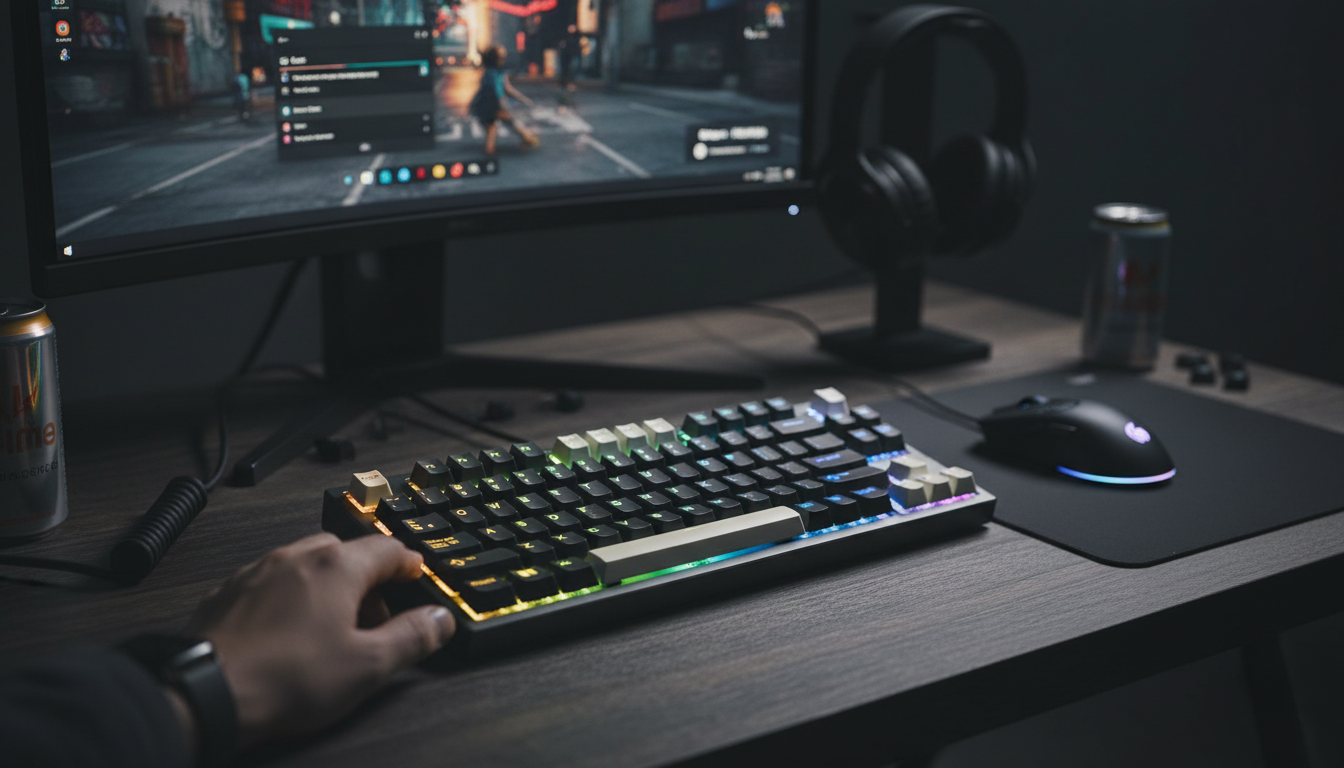
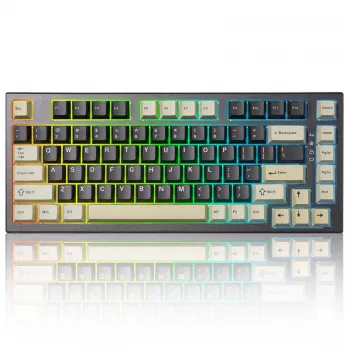
A compact 82-key layout paired with magnetic, rapid trigger-style actuation is built for players who want tighter movement control, faster repeats, and a cleaner setup that can still go wireless. The big differences come down to how the switch senses travel (continuous rather than a single contact point) and how quickly the keyboard can report inputs (mode-dependent polling). Below is a practical breakdown of what those features do day to day, what to watch for when buying, and how to tune settings for different genres.
Magnetic sensing (often discussed in the context of Hall effect-style technology) measures key position continuously, rather than waiting for a fixed mechanical contact to close. That shift enables more adjustable behavior and typically more consistent triggering over time.
For a quick reference on the underlying sensing concept, see this overview of the Hall effect.
Traditional mechanical behavior typically involves a fixed actuation point and a fixed reset point. That means even if you start releasing a key quickly, the switch might not be ready to register another press until it crosses a specific reset threshold. Rapid trigger behavior changes that by allowing the reset to happen dynamically—often as soon as upward motion is detected and the key passes a configured threshold.
Polling rate is how often the keyboard reports its state to the PC. In supported modes, higher polling can reduce the time between reports, but the real-world result depends on the full chain: connection mode, USB controller stability, the operating system, and how the game engine processes inputs. For background on HID behavior, the USB Implementers Forum provides a helpful USB HID overview.
| Use Case | Recommended Connection | Suggested Rapid Trigger Setting | Why |
|---|---|---|---|
| Competitive FPS | Wired (when available) | Medium-low travel with conservative sensitivity | Minimizes latency and reduces accidental movement cancels |
| Rhythm games | Wired or low-latency wireless | Low travel with careful calibration | Improves rapid repeats and timing consistency |
| MMO/MOBA | Wireless for desk comfort | Moderate travel | Fewer accidental activations during long sessions |
| Office + gaming hybrid | Wireless | Moderate-high travel | More forgiving typing feel while keeping gaming benefits |
An 82-key layout is a sweet spot for many setups: it saves desk space compared to full-size boards while keeping more everyday keys than a tiny 60% layout. That extra room on the right side can translate into larger, more comfortable mouse movements—especially at lower sensitivities.
Wireless can be fantastic for aesthetics and flexibility, but not all wireless modes are equal. Many keyboards offer multiple options such as 2.4 GHz dongle, Bluetooth, and wired. Bluetooth is designed for broad compatibility and power efficiency (see the Bluetooth Core Specification), while 2.4 GHz dongles typically aim for faster responsiveness.
It depends on the connection mode and the keyboard’s firmware/settings. The highest polling rates are commonly tied to wired mode or specific low-latency wireless implementations, so confirm which mode is active and what polling options are enabled.
It can be, but very sensitive settings may lead to accidental key presses. A dedicated typing profile with a higher actuation distance and less aggressive rapid trigger sensitivity usually feels more forgiving.
Noise is influenced more by case design, stabilizers, keycaps, and any damping than by the sensing method itself. Magnetic sensing mainly changes how actuation is detected, while sound depends on the overall build and tuning.



Leave a comment
You must be logged in to post a comment.