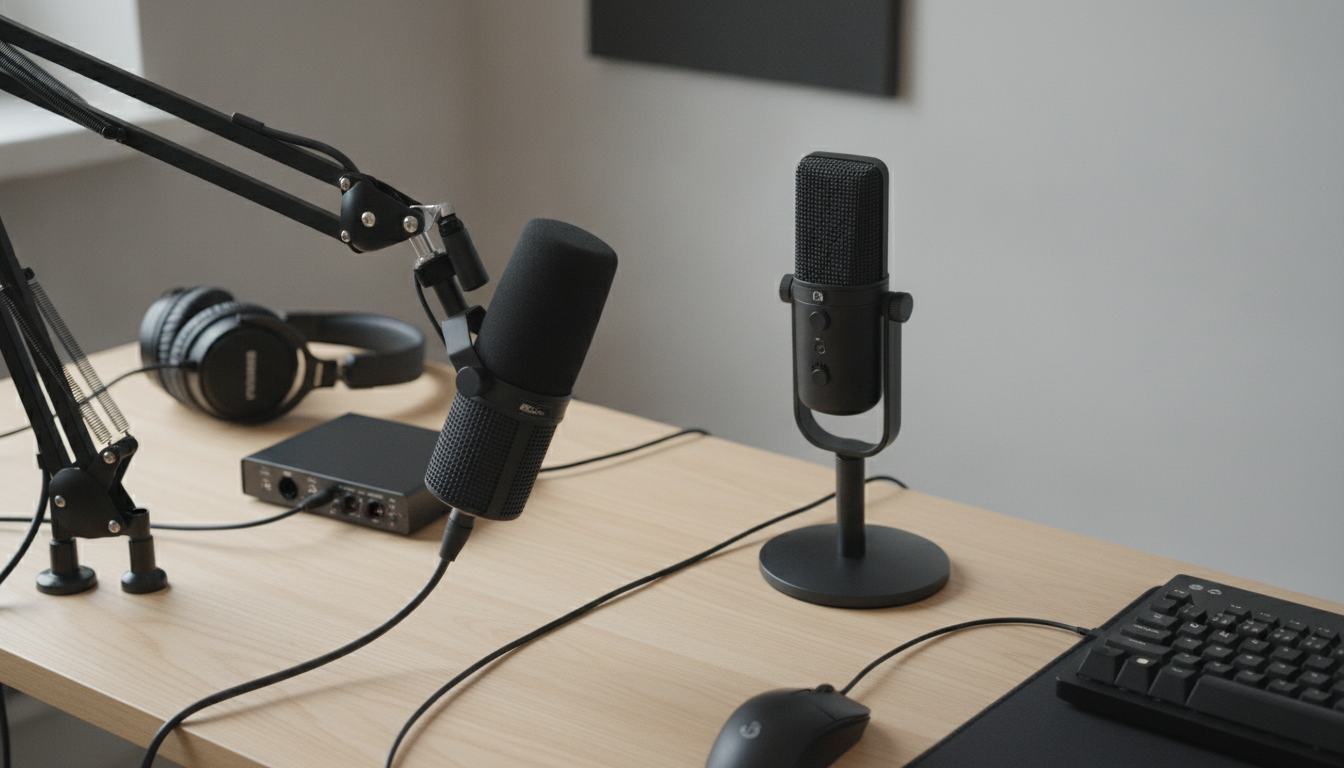
Often, yes—especially if streaming happens in a typical room with a PC fan, keyboard clicks, AC noise, or other background sound. Dynamic microphones are generally less sensitive than condensers, so they tend to focus more on what’s close to the mic (your voice) and pick up less of what’s farther away (room noise). That can translate to cleaner, more “broadcast-like” audio with less tweaking.
That said, a dynamic mic isn’t automatically “better” for every setup. The tradeoff is that dynamics usually need more gain (more amplification) to reach a strong, consistent level. If your interface, mixer, or USB mic’s preamp isn’t powerful enough, you may end up pushing gain high and hearing hiss, or you’ll need an inline booster.
A dynamic mic is a strong pick for streamers who can’t fully control their room. If your desk is near a mechanical keyboard, you have hard walls that reflect sound, or you game with open-back headphones that leak audio, a dynamic mic can help reduce how much of that makes it into the stream. It also rewards close-mic technique: positioning the mic a few inches from your mouth and speaking across the capsule helps keep levels steady while minimizing plosives and breaths.
If your space is quiet and treated (or naturally dead), a condenser can sound more open and detailed. Condensers can also be easier to drive because they’re more sensitive, which can be convenient for beginners. But that same sensitivity is why they often capture more room tone and incidental noise during live streams.
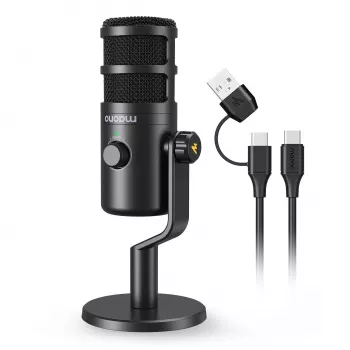
Mic type is only part of the equation. Placement, gain staging, and a stable USB or interface setup matter just as much. For a practical walkthrough on getting a dynamic USB-C mic running cleanly for streaming, gaming, and recording, see this dynamic USB-C mic setup guide.
Not always. USB dynamic mics plug straight into a computer, while XLR dynamic mics typically need an interface or mixer that provides enough clean gain.


Leave a comment
You must be logged in to post a comment.