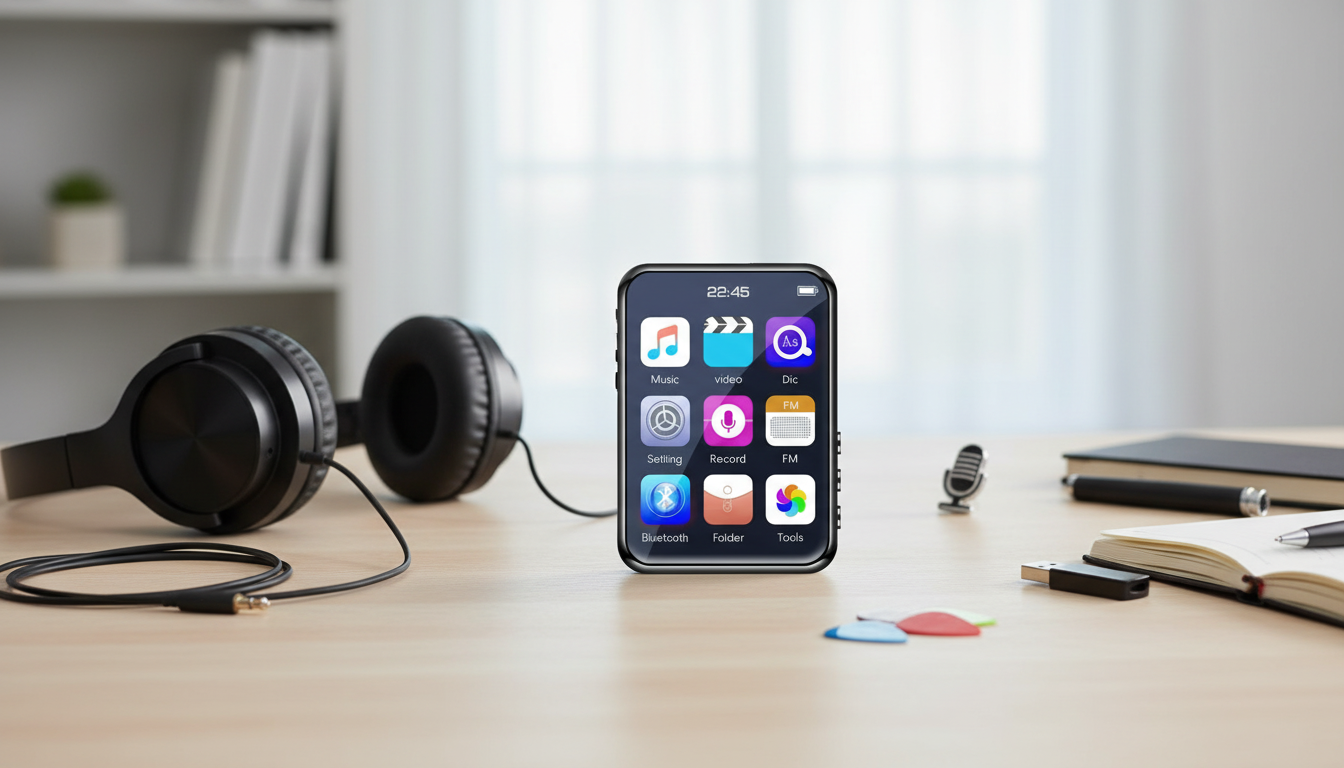
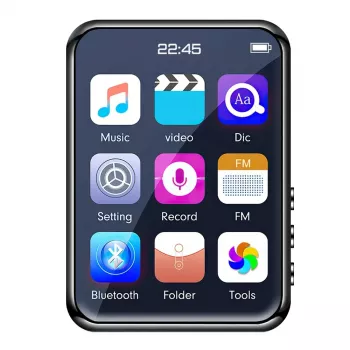
A compact media player can be a refreshing alternative to using a phone for everything—especially for workouts, commutes, kids’ music, or offline listening. This 2.5″ full-touch Bluetooth MP3/MP4 player brings together a swipe-friendly touchscreen, a built-in speaker for instant playback, and FM radio for local stations, all in a pocket-size device that’s easy to grab and go. For many people, a dedicated player also means fewer notifications, less temptation to scroll, and more battery left on a primary phone when it matters. For more guidance, see MP3 PLAYER AND FM RADIO.
This style of MP3/MP4 player is built for everyday listening and simple media playback—without the friction of opening apps or relying on a data connection. It’s a practical choice for: For further reading, see Portable media player.
It’s also handy as a “leave it in the bag” device—something you can keep ready with a few favorite albums, podcasts, or language lessons for downtime.
Spec sheets can be long, but a few everyday features tend to make the biggest difference. With a 2.5″ full-touch display, the goal is simple navigation—tap, swipe, and browse right on the device. Bluetooth adds flexibility for wireless earbuds, while the built-in speaker is great for quick listening at a desk, in a hotel room, or when you don’t want to dig out headphones.
FM radio is a bonus for anyone who still enjoys live broadcasts. Reception varies by building materials and location, but it can be a useful option when you want local updates without using phone data. (For background on how FM broadcast works and why reception can vary, the FCC’s consumer guide is a helpful reference: FCC Consumer Guide: FM Broadcast Radio.)
| Feature | Why it’s useful |
|---|---|
| Full-touch display (2.5″) | Easier navigation than button-only players; convenient for playlists and video |
| Bluetooth connectivity | Wireless listening for workouts, commuting, and shared spaces |
| Built-in speaker | Instant playback for short listening sessions or small rooms |
| FM radio | Live broadcasts without using phone data |
| MP3/MP4 playback | Supports both audio and video use cases in one device |
Bluetooth performance can differ across devices due to version support, environmental interference, and codec compatibility. If you’re curious about the underlying standards, the official spec hub is here: Bluetooth Core Specification (Bluetooth SIG).
Getting started is typically straightforward, and a few small habits can make daily use smoother.
Charge fully before the first use. A complete initial charge helps stabilize battery calibration so the device’s battery indicator behaves more consistently over time.
If connection feels unstable later, re-pairing is often the fastest fix. Also try reducing distance and removing obstacles (walls, metal gym lockers, or a laptop positioned between you and the player can all make a difference).
Transfer media by connecting the player to a computer and copying files over. Supported formats depend on the device firmware, so if a file doesn’t show up or won’t play, try converting it to a more common format or adjusting resolution/bitrate for compatibility.
On smaller screens, good organization beats endless scrolling. Create simple folders like:
This helps the library load quickly and keeps navigation clean when you’re on the move.
FM works best with less interference. Try near a window, or move away from heavy electronics (desktop towers, routers, and some chargers can add noise). If a station is static-prone, scanning again in a different spot can help.
Dedicated media players shine when the goal is simple playback and fewer distractions.
Yes—this model is designed for MP3 and MP4 playback. If a video won’t load, confirm the file’s format and resolution are compatible with the device.
No. FM radio receives local broadcast signals and does not use Wi‑Fi or mobile data, though reception can vary depending on your area and surroundings.
It can pair with Bluetooth earbuds or speakers, but performance depends on compatibility and the environment. If you experience dropouts, moving closer and re-pairing often resolves the issue.



Leave a comment
You must be logged in to post a comment.