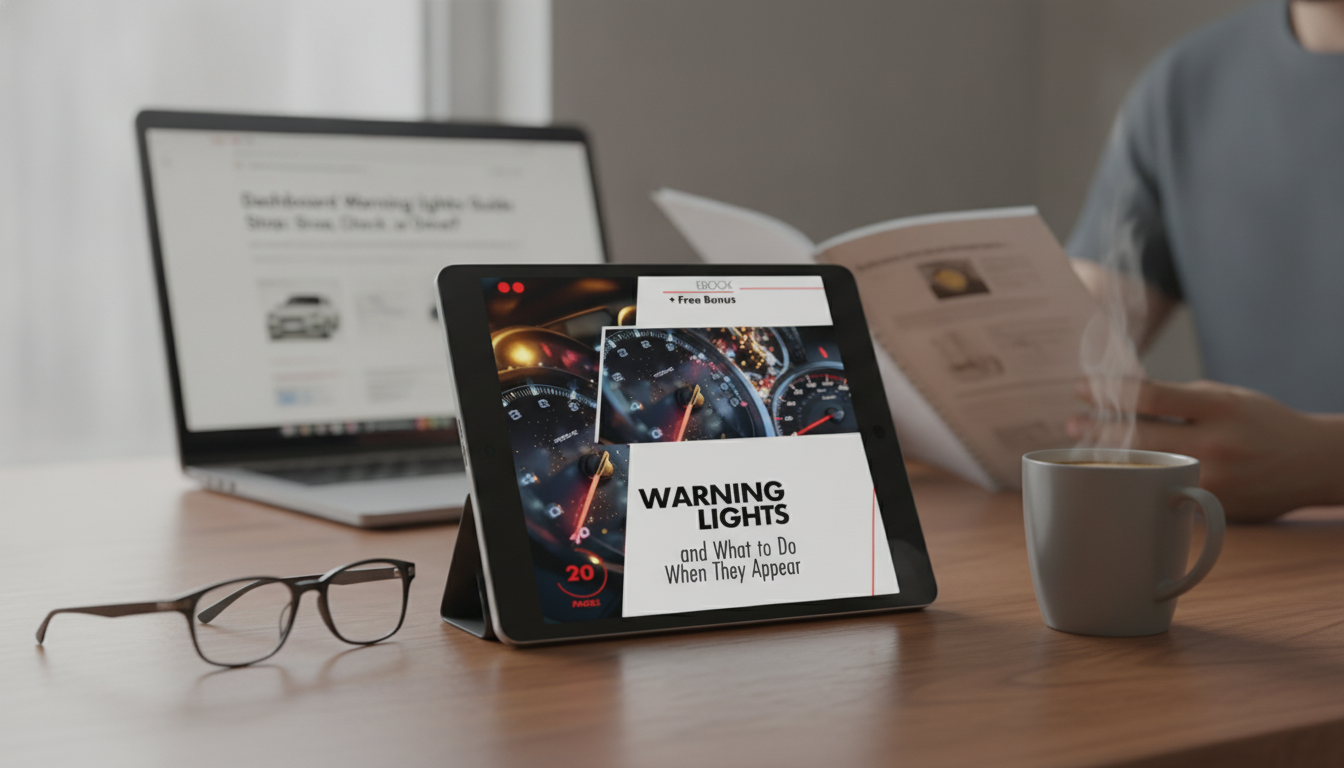
A sudden icon on the instrument cluster can range from a simple reminder to an urgent safety issue. The key is to react based on severity, driving conditions, and how the vehicle feels. Below is a practical breakdown of common dashboard warning lights—what “red vs. amber” usually signals, what to check right away, and when it’s time to stop driving and call for help.
Most warning lights follow a rough “severity color” pattern, but symbols and behaviors can vary by make and model—so treat anything unfamiliar conservatively and confirm in your owner’s manual.
If a red light appears while driving, reduce speed, avoid hard braking or sudden steering inputs, move to a safe shoulder or parking area, and check for smoke, unusual smells, loss of power, or abnormal noises. Before continuing, pay attention to the basics: engine temperature behavior, any oil-pressure warning, brake pedal feel, steering assist, and whether the vehicle seems to be charging properly (dimming lights or erratic electronics can be clues).
If you don’t have your paper manual, the NHTSA owner’s manual search can help you locate the correct icon reference for many vehicles.
| Light category | Common symbol examples | What it usually means | Safe next step |
|---|---|---|---|
| Stop now (red) | Oil can, temperature/thermometer, brake (!) or (P) | Risk of engine damage, overheating, or braking system issue | Pull over safely; shut off engine if overheating or oil pressure suspected; call roadside assistance/tow if unresolved |
| Caution (amber) | Check engine, ABS, traction control, TPMS | Fault detected; vehicle may drive but could be less safe/efficient | Drive gently; avoid long trips; schedule diagnosis; scan codes when possible |
| Information | High beams (blue), turn signals (green), cruise indicator | System status indicator | No action unless unexpected (verify manual) |
A steady TPMS light often means one or more tires are underinflated. A blinking TPMS light that later stays on commonly points to a system issue (sensor battery, communication fault, or a relearn needed).
For deeper TPMS background and safety guidance, see NHTSA’s TPMS and tire safety resources.
A solid check engine light often indicates an emissions or engine-management problem that may not feel dramatic, but can reduce fuel economy or worsen drivability if ignored. A flashing check engine light frequently indicates an active misfire—reduce load immediately, avoid hard acceleration, and stop driving if the engine runs rough.
If the check engine light shows up alongside overheating, low oil pressure, or severe power loss, treat it as an urgent stop-and-assess situation. For additional steps, AAA offers a solid overview: What to do if your check engine light comes on.
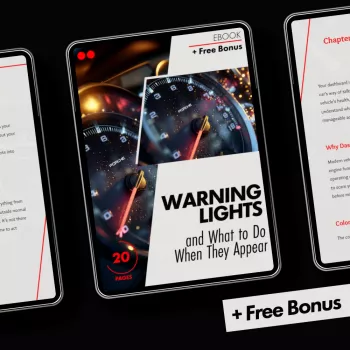
A quick-scan reference can reduce hesitation during a stressful moment and help decide whether to stop, continue cautiously, or schedule service. If you want a ready-to-use overview you can keep on your phone or print, consider Warning Lights and What to Do When They Appear: A Complete Guide to Car Dashboard Alerts, Tire Pressure, and More.
For a more comfortable home or garage workspace setup while you check pressures, look at the Botanical Floral Non-Slip Area Rug – Soft, Modern & Machine Washable or the Soft Velvet Plush Blue Rug for Living Room & Bedroom – Modern Fluffy Carpet to add a stable, cushioned surface where you stage a tire gauge, gloves, or a small inflator.
A solid check engine light often allows cautious driving for a short time, but it should be scanned and diagnosed soon. If it’s flashing or the vehicle is running rough, overheating, or losing power, stop driving and arrange service to prevent more serious damage.
Double-check you filled to the door-jamb placard pressure (not the sidewall max) and that the tires were close to “cold” when measured. If the light returns, a slow leak or a TPMS relearn/sensor issue may be present, and the tire system should be inspected.
Turn off A/C, reduce load, and pull over as soon as it’s safe; shut the engine off if overheating is suspected. Let the vehicle cool before checking coolant, never open a hot cap, and tow the vehicle if the warning persists or overheating repeats.


Leave a comment
You must be logged in to post a comment.