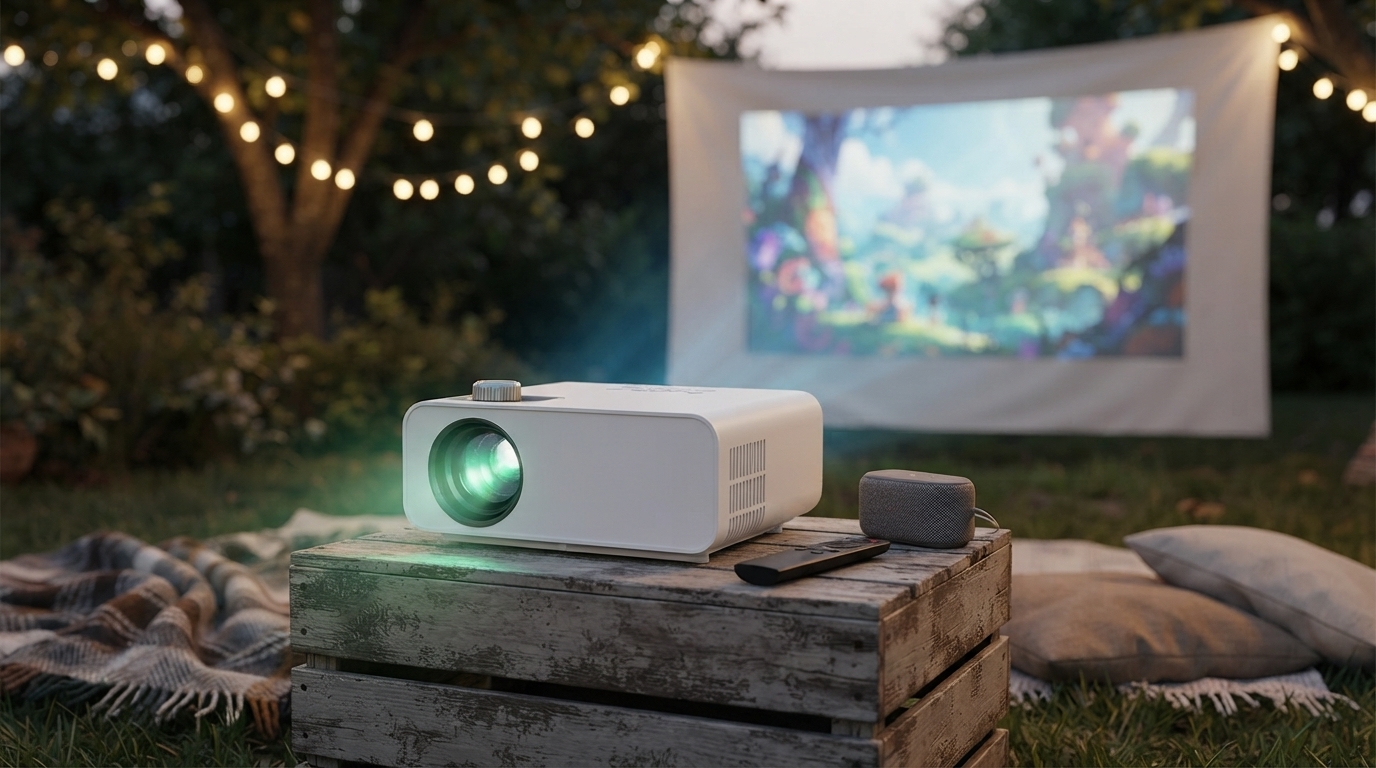
A portable projector can turn a bedroom wall, backyard screen, or travel setup into a big-screen experience—without a complicated install. A compact 1080P LED projector with high brightness, Bluetooth audio, and HDMI connectivity is designed for flexible use: quick movie nights, casual gaming, and easy streaming from modern devices. Below is what to expect from this style of projector, plus practical tips that help you get a clearer picture, steadier alignment, and more reliable sound.
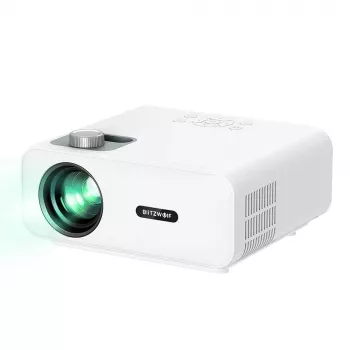
If you want a simple way to scale up screen size without dedicating a wall to a television, the Portable 1080P LED Projector with 9000 Lumens, Bluetooth 5.0 & HDMI Support is a practical all-in-one option for everyday viewing.
Native 1080P resolution (1920×1080) is a strong match for modern streaming, sports broadcasts, and game consoles because it keeps edges cleaner and on-screen text more readable—especially compared with lower-resolution projectors that can look soft when blown up large.
Brightness is what helps a projected image fight through ambient light. High-lumen ratings can be helpful for casual living-room viewing with lamps on, but the biggest jump in “wow factor” usually comes from controlling the environment: darker room, fewer reflections, and a better projection surface. For a deeper dive on how brightness is measured (and why ratings can vary), see Projector Central’s overview of projector lumens and ANSI lumens.
Bluetooth 5.0 makes it easy to pair the projector with a portable speaker or soundbar so you can get louder, fuller sound than most built-in projector speakers. Bluetooth standards are maintained by the Bluetooth SIG; the official Bluetooth Core Specification explains the underlying technology and profiles.
HDMI is typically the simplest way to get stable, high-quality video from laptops, streaming sticks, and game consoles. For the official standard reference, the HDMI specification overview is a helpful baseline.
Most “fuzzy” or distorted projector images aren’t caused by the resolution—they come from alignment and focus. A few setup habits can preserve sharpness and reduce keystone distortion.
For a cozy, glare-reducing viewing zone in a bedroom or living room, a soft floor covering can make the setup feel more intentional—especially for seated movie nights. Consider adding a comfortable accent like the Botanical Floral Non-Slip Area Rug – Soft, Modern & Machine Washable or the Soft Velvet Plush Blue Rug for Living Room & Bedroom – Modern Fluffy Carpet.
| Feature | What It Helps With | Best Use Scenario | Simple Tip |
|---|---|---|---|
| 1080P resolution | Sharper detail and clearer text | Movies, sports, casual gaming | Focus using a menu screen with small text |
| High lumen brightness | Better visibility with some ambient light | Living rooms, backyard at dusk | Dim nearby lights for better contrast |
| Bluetooth 5.0 | Wireless sound to speakers/soundbars | Outdoor setups, minimal-cable rooms | If audio feels delayed, switch to wired audio when possible |
| HDMI input | Stable video from modern devices | Streaming sticks, laptops, consoles | Use a certified HDMI cable and avoid unnecessary adapters |
It depends on the projector and phone features: Bluetooth is typically for audio, not video. For video, the most reliable route is HDMI via a phone adapter or using a streaming stick (some apps may restrict playback due to DRM).
Bluetooth is usually fine for movies and casual play, but it can add audio latency. For competitive or rhythm games, a wired audio connection often feels more responsive and better synced.
For the best results, start at dusk, use a proper screen, and limit nearby lights. Lumen ratings can vary by measurement method, but perceived brightness improves most when the environment is darker and reflections are reduced.


Leave a comment
You must be logged in to post a comment.