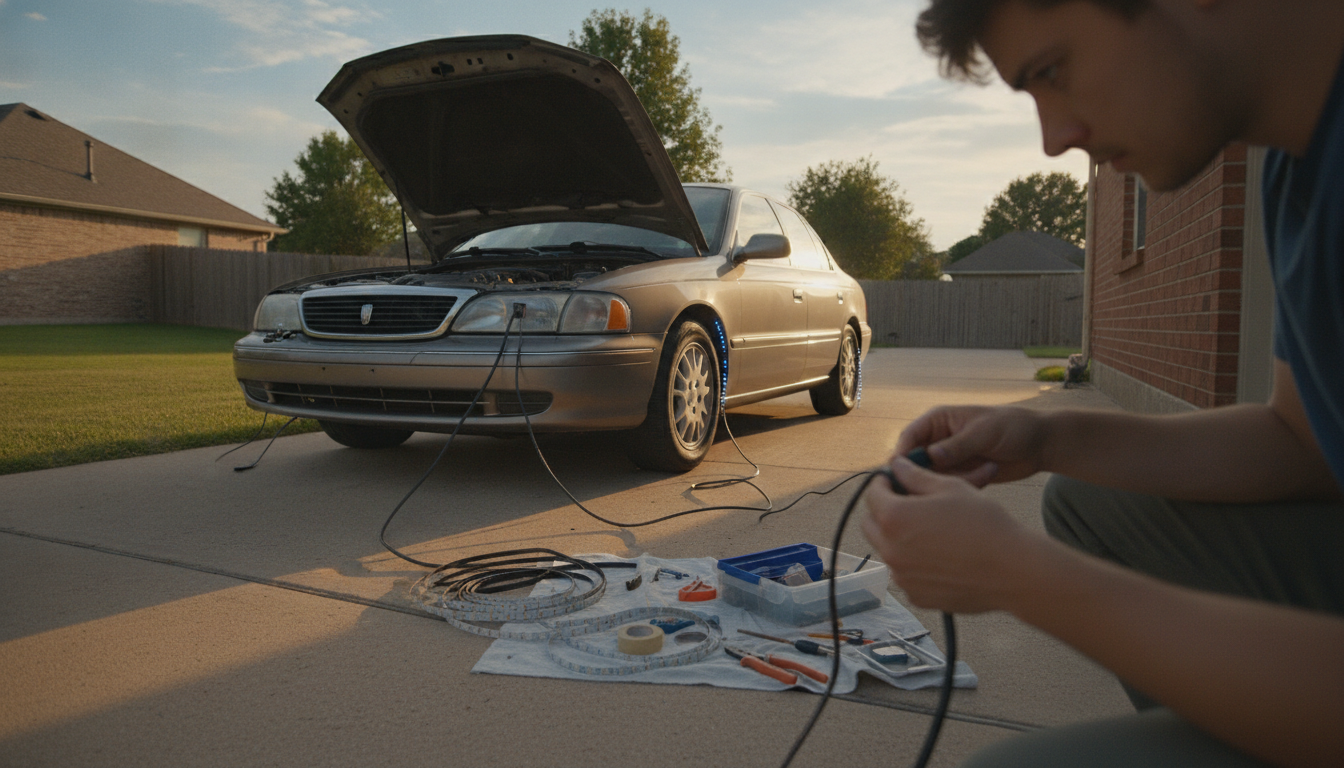
If your Monster LED lights don’t come with a remote (or you’ve lost it), the easiest way to control them with a button is to add an inline controller between the power source and the lights. Depending on whether your Monster lights are plug-in (AC) or USB/low-voltage (DC), the right “button” looks a little different—but the goal is the same: you’re adding a physical on/off or mode switch to the power line.
For most Monster LED strips and accent kits that run on USB or a small DC adapter, use a DC inline LED controller with a tactile button (often labeled “Mode/Speed/Color” or just “On/Off”). These small controllers typically let you tap to change colors/modes and long-press to power off. If your kit is RGB (4-pin) or addressable (3-pin), match the controller type to your connector style and voltage.
For plug-in wall-powered sets that don’t use a low-voltage adapter you can access, a simple inline cord switch can turn the whole set on/off, but it won’t change colors or effects—only power.
Start by identifying the power path: outlet → adapter (if any) → controller (if any) → LED strip. If you’re adding a button controller, it should sit after the power adapter and before the LEDs. Many kits use plug-and-play connectors, so installation can be as simple as unplugging the strip from its current controller and inserting the new button controller in between.
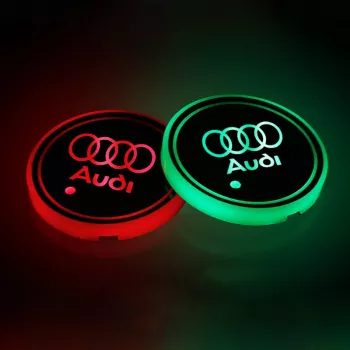
If your Monster setup is already installed in a vehicle or tight space, look for compact button-style controllers commonly used for interior accent lighting. For a car-friendly approach and ideas on tidy placement, see the RGB coaster lighting walkthrough here: https://elevatdlife.com/guide-audi-led-cup-holder-lights-7-color-rgb-coasters/.
That usually means one of three things: the controller doesn’t match your LED type (RGB vs addressable), the voltage/amperage is incompatible, or the lights are “single color” and only support on/off. Verify the label on the adapter (5V/12V/24V) and confirm whether your strip is 3-wire (addressable) or 4-wire (RGB).
Flicker usually happens when the switch/controller isn’t rated for the correct voltage or current, or when the power supply is underpowered. Use a controller designed for LED strips and a power adapter that meets or exceeds the strip’s wattage needs.



Leave a comment
You must be logged in to post a comment.